
Head to Vanda Manager -> User Role -> Add
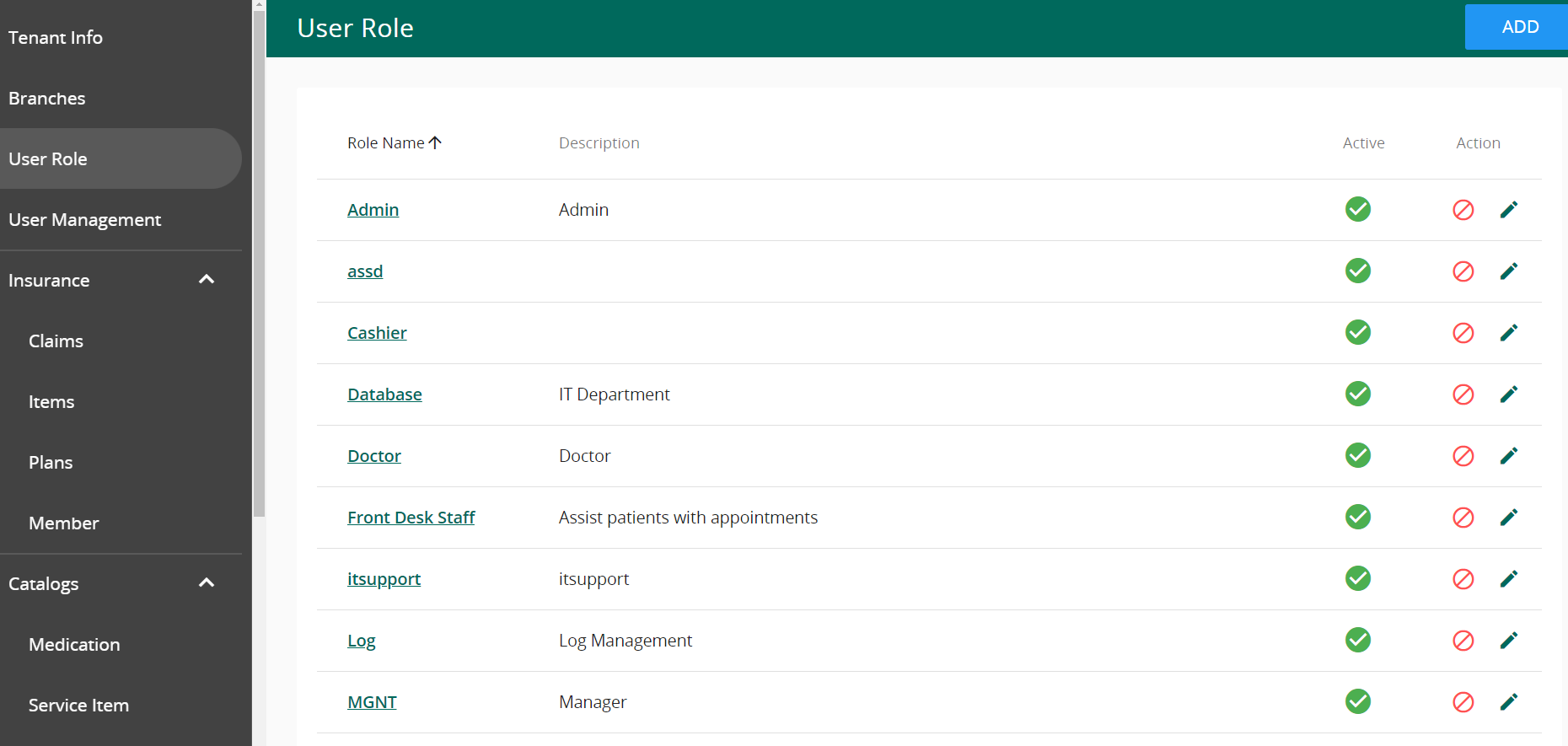
- Fill in the Role Name & Description
- Proceed to select rules for the roles. Note that “view” and “get” permissions should be set to “Not Set” or “Allow” as they allow account to have access to master data. Without these permission, it is likely that the user will face multiple api errors.
- Once done, save the role and assign the role to a user.


